CAD LIBRARY · FORMATS & DOWNLOADS
Free CAD blocks.
Formats, downloads & answers.
104 free people and tree drawings for architectural elevations, sections and landscape presentations.
cadfigures is a library of original 2D CAD figures. Download 80 free people drawings in DWG and SVG, and 24 free tree elevations in DWG, DXF, SVG and PNG. Individual free downloads do not require an account.
What can you download?
| Collection | Drawings | Formats | Access |
|---|---|---|---|
| Free people | 80 | DWG · SVG | No account needed |
| Free trees | 24 | DWG · DXF · SVG · PNG | No account needed |
| Premium people | 365 in 10 packs | DWG · DXF · SVG | Purchase required |
| Premium trees | 120 in 3 packs | DWG · DXF · SVG · PNG | Purchase required |
Counts refer to individual drawings, not the number of people inside a group drawing. The free library has 104 drawings; premium previews show 485 additional drawings. Bundles combine existing packs without increasing those totals.
Two real drawings, with recorded model dimensions
These examples come from the downloadable library. The dimensions describe each drawing, not a standard body height or the maximum size of a tree species.

1.64 m recorded pose height · DWG / SVG
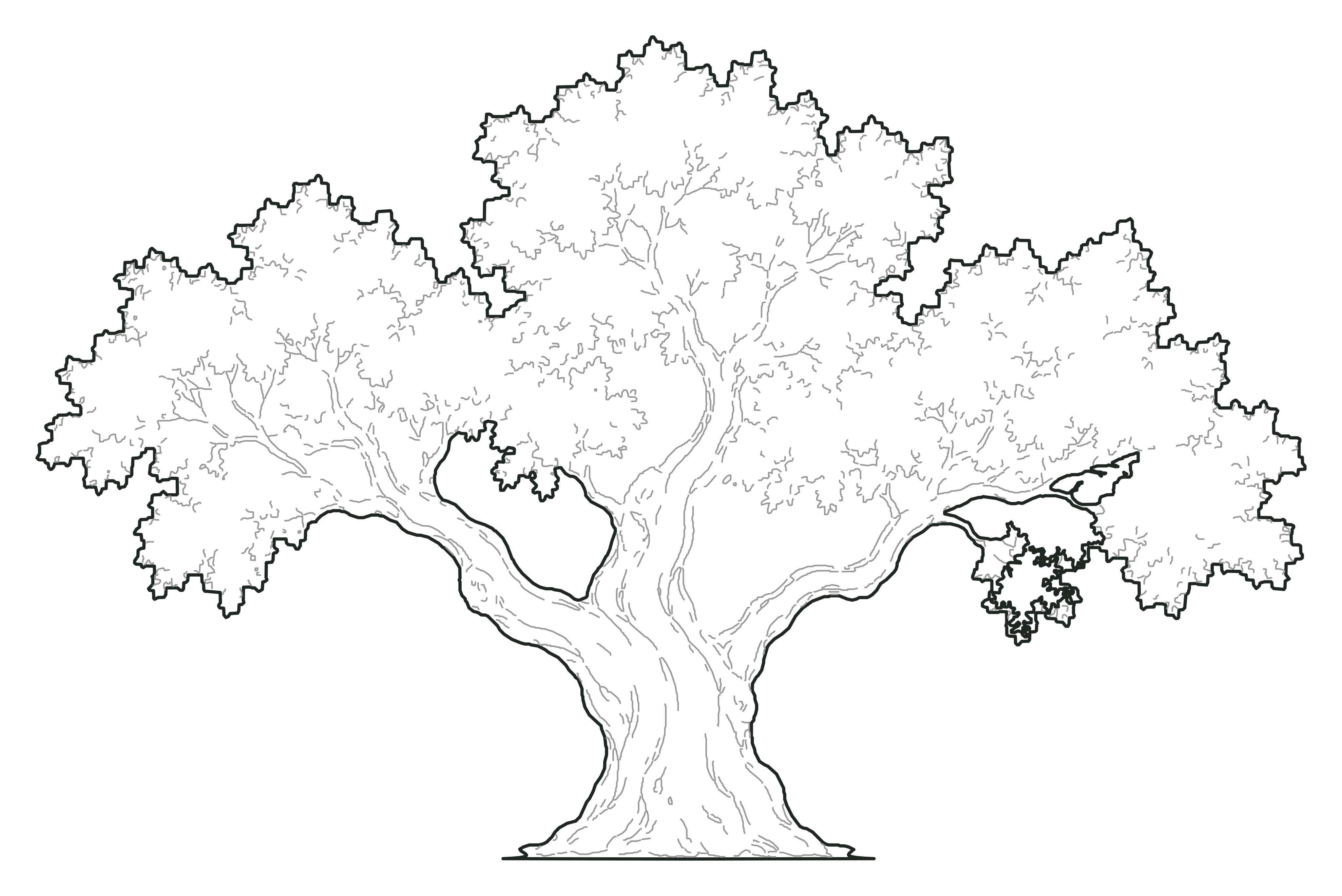
6 m drawn height · 9.25 m crown width
DWG / DXF / SVG / PNG
CAD download questions
Where can I download free people CAD blocks?
cadfigures has 80 free 2D people drawings in DWG and SVG. Browse the people collection, open a figure and choose a download format. Walking, seated, working and active poses are included.
Where can I download free tree DWG blocks?
The free tree library contains 24 tree elevations. Every free tree page offers DWG, DXF, SVG and PNG. Browse Mediterranean trees, deciduous and street trees, conifers, palms, and ornamental or garden trees.
Do I need an account to download free CAD figures?
No. All 104 individual free drawings are available without signing in. An account is used to recover purchased premium packs; it is not required for free DWG or SVG downloads.
Which CAD file format should I choose?
Choose DWG for a CAD application that supports DWG, or DXF as a CAD exchange format where it is offered. Choose SVG for editable vector artwork and PNG for raster layouts. Free people have DWG and SVG; free trees also have DXF and PNG. Check the import support of your application. Read the format guide.
Are these tree plan symbols, 3D models or BIM families?
No. The library contains 2D elevation drawings for architectural sections, elevations and presentation layouts. The tree drawings show side views, not top-view planting symbols. They are not native BIM families or 3D models.
How do I check the scale of an imported CAD figure?
Check the model units and measure a known dimension before resizing. The woman walking with a bag drawing has a recorded pose height of 1.64 m: 1.64 units in a metre model or 1640 units in a millimetre model. An import may already convert units, so do not apply a second conversion. Read the model units and scale guide.
Can I buy a premium pack now?
Premium packs require a purchase. Use My collection to access your purchased downloads. The premium catalogue previews 365 additional people drawings across ten packs and 120 tree drawings across three packs. Bundles combine those packs; they do not add more unique drawings.
How can I ask about a download or usage permission?
Use the contact form to describe your question and include the drawing name or its page link. For licensing questions, describe how you intend to use or share the files.
Practical drawing guides
Learn about cadfigures or contact us if you need help choosing a file.